
Shell Island Arcane Odyssey Map Guide: Route & Wooden Daggers
The fastest way to use a Shell Island Arcane Odyssey map is to combine the broad sea view with several live landmarks. Confirm the island, land near a recognizable shore, then use paths, raised ground, and camp-like clearings to finish the search.
Published | By Arcane Tools Editorial Team
Fast answer
Use Shell Island as a Bronze Sea route anchor, not as an exact coordinate. The harbor or shoreline gets you oriented; the live objective, item prompt, or Treasure Chart wording decides the final search area.
For the broad world view, open the Map Guide. For direction and distance clues, use the Treasure Chart Locator.
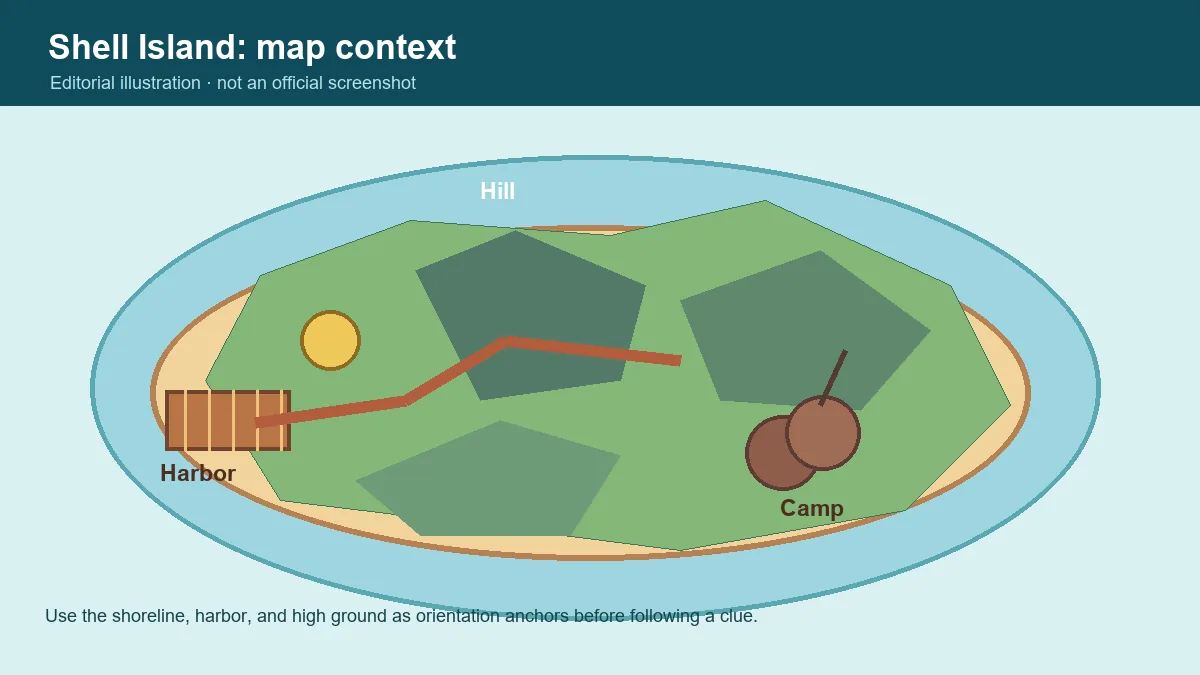
Players searching for shell island arcane odyssey map usually need the Bronze Sea position, a safe landing, or a named activity. Those are different layers: the broad map solves sea context, the route solves arrival, and the prompt or clue solves the final interaction.
This page bridges the general Arcane Odyssey Island Guide and a single Treasure Chart result. It covers a repeatable route, a landmark sweep for Wooden Daggers or abandoned-camp searches, and checks that prevent a correct island from becoming a long wrong search.
Shell Island Arcane Odyssey Map: What to Confirm First
Start with the island name, not the item name. If a quest, chart, or player message says Shell Island, confirm that destination in the broad Bronze Sea view before you begin looking for a small prop. This avoids a common error: reaching a visually similar coast and then trying to force the Wooden Daggers or camp clue to fit.
| Quick fact | Practical reading | Why it matters |
|---|---|---|
| Region | Bronze Sea destination | Confirm the sea and island name before following an old route or treasure note. |
| Best anchor | Harbor, shoreline, and high ground | Use several landmarks together so a camera angle or weather effect does not send you off course. |
| Activity | Wooden Daggers and camp searches | Read the current interaction prompt and sweep the surrounding landmark group instead of guessing one crate. |
| Treasure | A zone, not an exact pin | The locator narrows an island, direction, and distance clue; terrain and elevation still need an in-game check. |
Think in four layers: island, landing, landmark, and interaction. Keeping them separate helps when a patch, camera angle, or quest step changes a familiar route.
How to Find Shell Island: A Safe Route Order
Use this order for exploration, a named object, an abandoned camp, or a Treasure Chart. Arrive with a return point before searching inland.
- Confirm the destination: Read the full quest, chart, or message. Use Shell Island only when the current objective names it.
- Open the broad map first: Confirm Bronze Sea context with the Map Guide and keep the island name visible while sailing.
- Approach by the coastline: Match the island silhouette and shoreline before looking for a small camp, ledge, or item.
- Choose a safe landing: Use the harbor or a familiar beach as your return anchor and remember the main path.
- Sweep landmarks in order: Check coast, paths, raised ground, and clearings together instead of copying one video location.
- Re-check the prompt: Verify the item, quest, or chart wording after arrival. A correct island can still have several wrong zones.
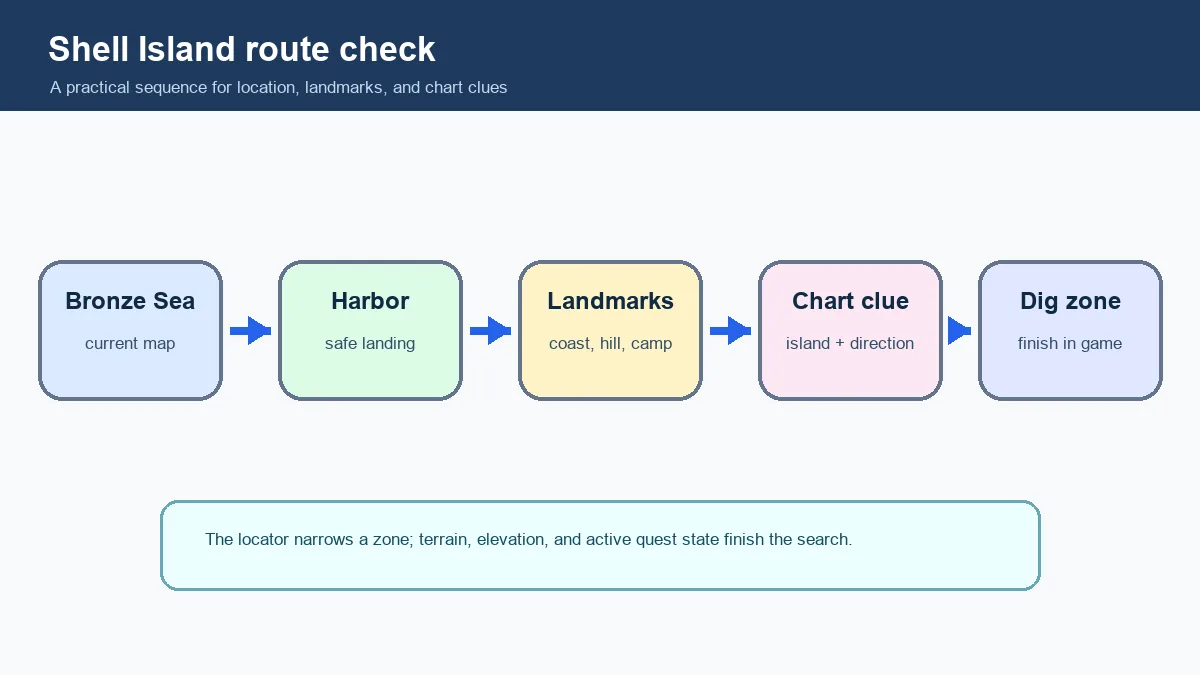
Navigation rule: if the island looks right but the objective does not respond, return to the last landmark and confirm the quest or interaction state.
Shell Island Landmarks and Abandoned Camp Searches
Searches such as search Shell Island Arcane Odyssey and Shell Island abandoned camps describe a landmark problem more than a coordinate problem. A small object may be easiest to spot from shore, a raised path, or a clearing, so a zone sweep beats memorizing one screenshot.
| Landmark layer | Use it for | Search habit |
|---|---|---|
| Harbor or beach | Arrival and return anchor. | Remember the entry path before exploring. |
| Main paths | Follow connected routes first. | Branches are easy to miss from the sea. |
| Raised ground | Compare the hill or ridge with your view. | Elevation helps with clues and spotting a camp. |
| Camp or clearing | Treat abandoned-camp searches as a group. | Check the approach and prompt, not one prop. |
| Coastline | Reset orientation at the water edge. | Return to shore if the path stops making sense. |
Begin at the landing and move outward in a loop: trace the shore, check the main path, then look from higher ground toward the camp or clearing. Walk each branch far enough to identify its return point before turning around. This reduces duplicate searching and gives you a clean restart point.
A community wiki, video, or discussion can identify a landmark, but it is a reference rather than a guarantee. Compare its date with the live game state, and do not label an illustration as an official screenshot.
Wooden Daggers on Shell Island: How to Search Without Guessing
The query Arcane Odyssey Shell Island Wooden Daggers is an item or interaction lookup. Confirm the name and active objective, then search the surrounding landmark group. A nearby wooden prop, chest, or camp is not automatically the requested object.
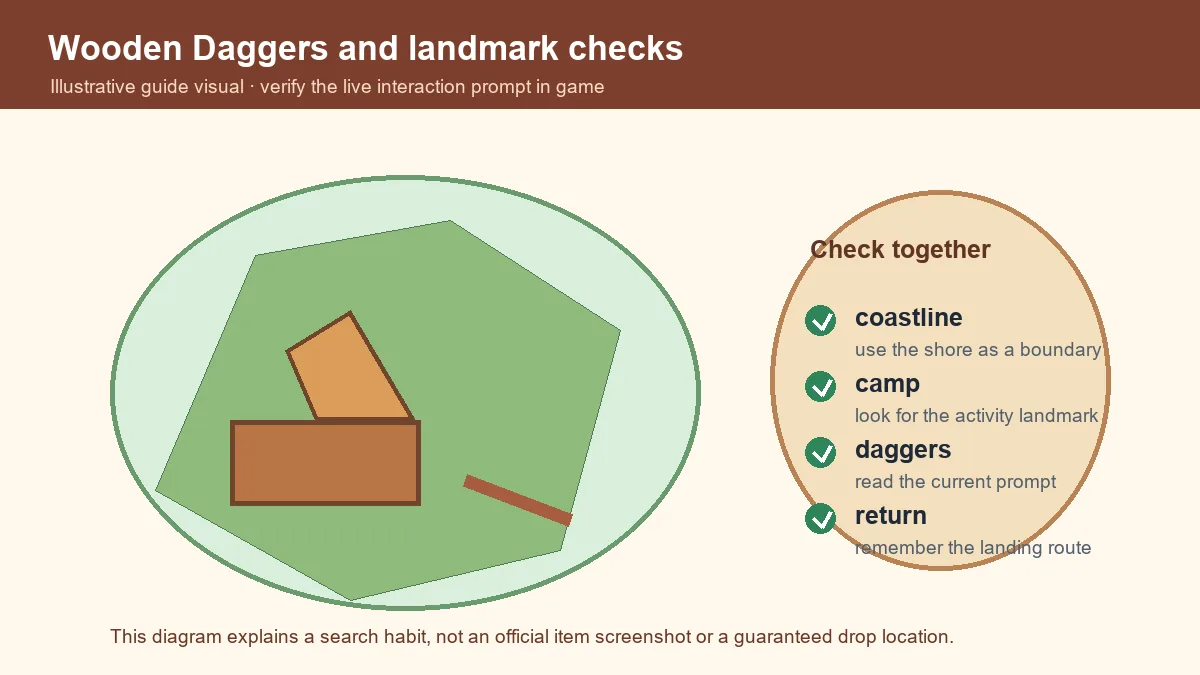
- Read the name: separate Wooden Daggers from a similar weapon, decoration, or loot prop.
- Use the landing: repeat the same route so you know what has been checked.
- Inspect the approach: scan the path, clearing, and terrain around the expected object.
- Check the prompt: verify quest state, server state, and prerequisites if nothing responds.
- Reset cleanly: return to shore before a second sweep and change one variable at a time.
Using a Treasure Chart on Shell Island
Shell Island can also appear in Treasure Chart searches. The Treasure Chart Guide explains the clue, while the Treasure Chart Locator turns island, direction, and distance into a visual zone. Identify the island, translate the clue, then return to the game for surface and elevation checks.
| Chart part | Shell Island check |
|---|---|
| Island | Set Shell Island only after the chart name and your route agree. |
| Direction | Translate the exact compass wording from the island center; nearby diagonal terms are not interchangeable. |
| Distance | Few paces, halfway, and edge describe broad search rings, not a single coordinate. |
| Terrain | Use sand, ground, cliff, or elevation wording to narrow the zone after the map result appears. |
| Final check | Dig in the game and widen the search slightly if the terrain or clue wording does not match. |
Read north, northwest, or a secondary compass wedge from the locator’s map center. Distance words are broad rings. If the zone has several elevations or surfaces, use the terrain wording for the first dig point, then widen the search by a few character steps.
The tool cannot see your quest state, hidden prompt, or exact character position. If a plausible result fails, check island and distance again before changing direction.
Common Shell Island Map Mistakes and Fixes
| What goes wrong | Better fix |
|---|---|
| Searching from the wrong sea | Confirm the broad map and island name; a similar coast is not proof. |
| Using a video as an exact pin | A video may use another update, angle, or objective state. Match the live prompt. |
| Confusing a map zone with a landmark | A map zone and an item or camp are different layers. Check terrain and interaction. |
| Skipping the return route | Mark the landing and path back before exploring a side area. |
| Assuming a missing item is gone | Check the name, quest state, server state, and nearby landmarks first. |
| Digging before reading distance | Choose the distance ring, then use surface and elevation clues. |
Shell Island Arcane Odyssey FAQ
Where is Shell Island in Arcane Odyssey?
Shell Island is a named Bronze Sea destination. Use the current map and island silhouette to approach it, then use the harbor, shoreline, paths, and higher ground as anchors. Do not rely on one permanent coordinate.
How do I use a Shell Island Arcane Odyssey map?
Start with the broad sea map, confirm Shell Island, and choose a recognizable landing. Match the coastline and raised terrain before following a quest, item, or Treasure Chart clue. The map is context, not an exact pin.
Where are Wooden Daggers on Shell Island?
Confirm the live item or interaction wording first. Begin at the safe landing, sweep connected paths and camp-like clearings, and check the surrounding landmark group. Use the in-game prompt instead of one old screenshot.
How do I search Shell Island abandoned camps?
Treat an abandoned camp as a search area, not one prop. From the landing, follow the main route, compare clearings and raised ground, and scan the approach from another angle. If no prompt appears, re-check the objective and server state.
Can the Treasure Chart Locator solve a Shell Island chart?
The locator narrows a supported chart by island, direction, and distance. It cannot verify a quest, hidden interaction, exact elevation, or every surface detail. Confirm Shell Island, then finish the dig with the live terrain and clue.
What should I do if the Shell Island route looks different?
Re-check the update context, objective text, and island name. Return to the coastline, use the broad map again, and compare several landmarks. Community pages and videos help, but the current prompt decides the final step.
Shell Island Route Summary
The reliable Shell Island workflow is simple: confirm the Bronze Sea destination, approach by a recognizable shoreline, mark the landing, sweep paths and landmarks, then use the live item, quest, or chart prompt to finish. For broad navigation, continue with the Arcane Odyssey Map Guide. For gear and treasure routes, the Chest Locations Guide and Shovel Guide are useful next steps.
Reference note
Community references can help identify Shell Island names and landmarks, but they may lag updates. For a second lookup, compare the community-maintained Shell Island entry with the current in-game objective and interaction prompt. The illustrations on this page are editorial aids, not official screenshots.
Tags: Arcane Odyssey, Shell Island, Bronze Sea, map guide, Wooden Daggers, Treasure Charts
Need a different named island? Start with the island route overview and move to a focused page when the destination is confirmed.