
Cosmetic customization guide
Arcane Odyssey Ship Paint Guide: Paint Brush, Colors, and Fixes
Arcane Odyssey ship paint is a cosmetic customization task, not a ship-stat build. Start with a Paint Brush, stand close to a broad ship section, try the primary and detail color slots, and test another part if the first target gives no feedback. This guide explains the workflow without treating an illustration as an official game screenshot.
Reviewed August 2, 2026. Ship interactions can change with updates; confirm version-sensitive details in-game.
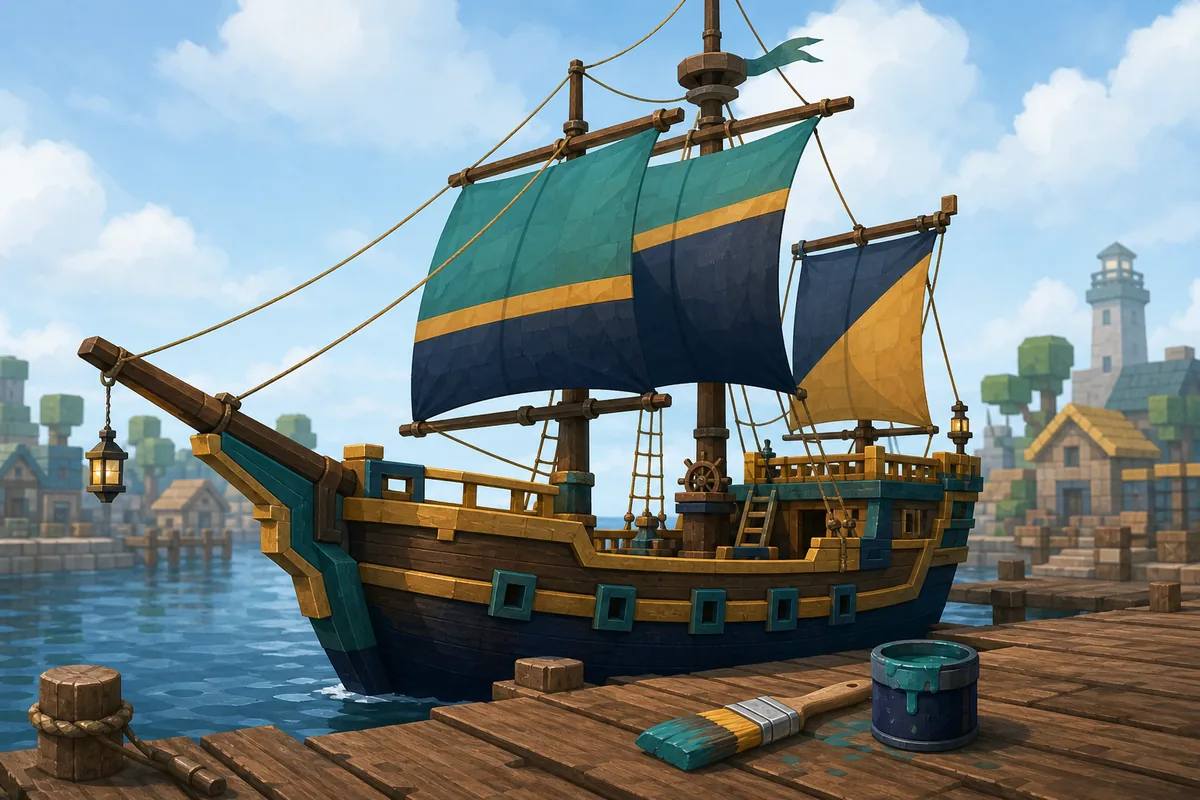
Arcane Odyssey Ship Paint: The Quick Answer
Use a Paint Brush near your ship, aim at a large hull or trim area, choose the available primary or detail color treatment, and watch for a visible change. If nothing happens, move closer, switch color slots, re-equip the brush, and test another part before assuming the item is broken.
The important boundary is simple: paint changes the ship's look. It is not a replacement for a ship builder, a speed comparison, or armor optimization. When your question is about damage, defense, power, or other gear stats, use the Armor Build Calculator instead.
What Ship Paint Does—and What It Does Not
A good Arcane Odyssey ship paint guide should not blur cosmetic customization with progression. Paint is useful when you want a recognizable crew color, a cleaner hull, or a ship that is easier to identify in a busy harbor. It does not make a weak armor combination stronger, increase a combat stat, or turn a normal vessel into a different ship class.
That distinction also explains why generic searches such as Arcane Odyssey ships and fastest boat Arcane Odyssey should not all be forced into one page. A ship overview, a speed comparison, a builder, and a paint tutorial answer different questions. This page stays with the narrow how-to intent so the instructions remain useful.
Paint
Appearance, palette choices, part targeting, and cosmetic troubleshooting.
Ship guide
Types, movement, attachments, cargo, and route decisions belong to a broader future guide.
Armor tool
Use the Armor Calculator for equipment stats and build tradeoffs.
How to Get and Equip the Paint Brush
Acquisition details are a version-sensitive part of this topic. Start by checking the current Shipwright options and the chest sources you already use, then read the item description before relying on a price or a single fixed location from an older video. A guide that promises one permanent route can become wrong after an update.
- 1
Check the current source
Look at Shipwright inventory and current chest opportunities. If your source is an old clip, confirm it against the current game client before spending time on the route.
- 2
Equip the brush near a safe dock
Testing in a calm harbor makes it easier to see a color change and reduces the chance that movement, combat, or rough water hides the feedback.
- 3
Keep the first test simple
Aim at the broad hull before trying a figurehead, rope, or narrow rail. Once one part responds, you know the brush and the interaction are working.
Which Ship Parts Should You Try?
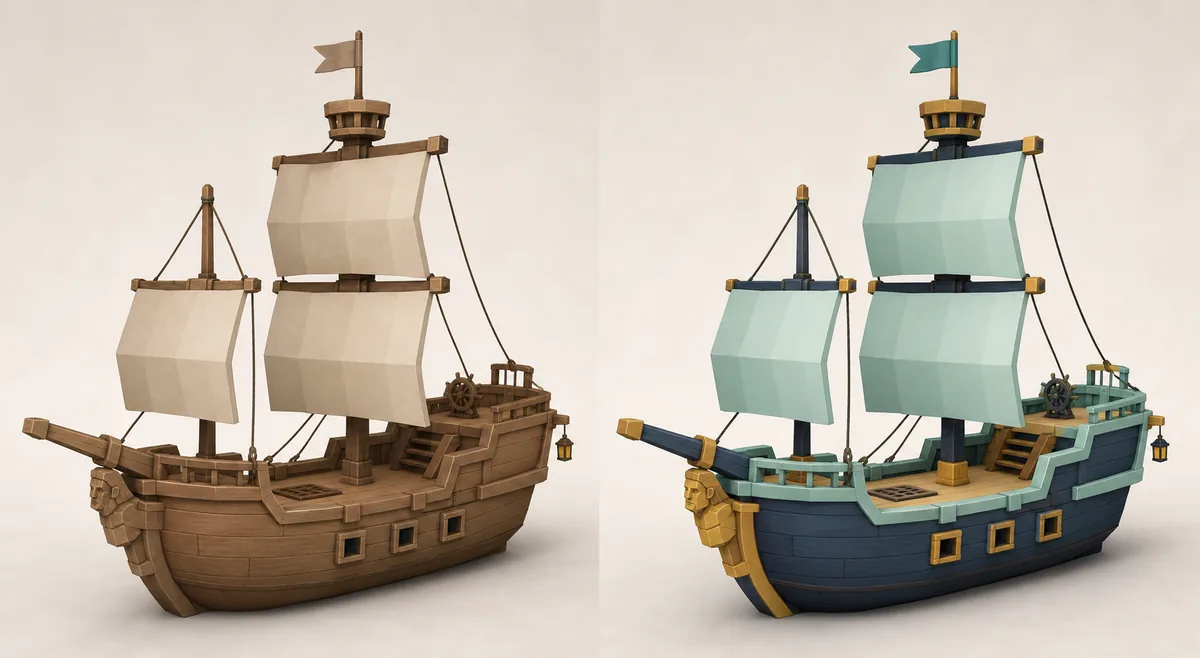
Community references describe separate primary and secondary color behavior and list several ship parts as possible paint targets. The exact response can vary by ship type and current game version, so use the table as a practical testing order rather than a promise that every part exposes the same control.
| Part to test | Why start here | Practical check |
|---|---|---|
| Hull and broad body | Start here when testing the brush because the target is large and easy to aim at. | Try the primary color first, then use the detail color for trim if the interface exposes it. |
| Trim, rails, and accents | These often use the secondary/detail treatment rather than the main hull color. | Stand close and target one visible accent at a time; do not assume every rail segment shares one slot. |
| Sails and deck areas | Useful for checking whether the current ship part supports a separate cosmetic layer. | If there is no feedback, change the color slot and test a hull section before blaming the whole brush. |
| Figurehead and rigging | Small parts are harder to select and may behave differently from the main body. | Zoom the camera, approach from the side, and treat a missing response as a possible part limitation. |
| Skyship parts | The current community reference lists skyships as an exception. | Verify the current version in-game; do not promise skyship paint support from an old screenshot. |
A Reliable Ship-Painting Workflow
When a part supports paint, the interaction should be easiest to diagnose if you change one variable at a time. Do not walk around the entire ship while changing colors, camera distance, and equipment at once; that makes a simple targeting problem look like a broken item.
Park safely
Use a calm harbor or dock so water movement does not hide the result.
Aim broadly
Start with the hull or a wide trim panel, not a tiny rope.
Change one slot
Try primary, then detail/secondary color without changing the target.
Confirm visually
Move the camera and compare the part before testing another surface.
Why Is the Ship Not Painting?
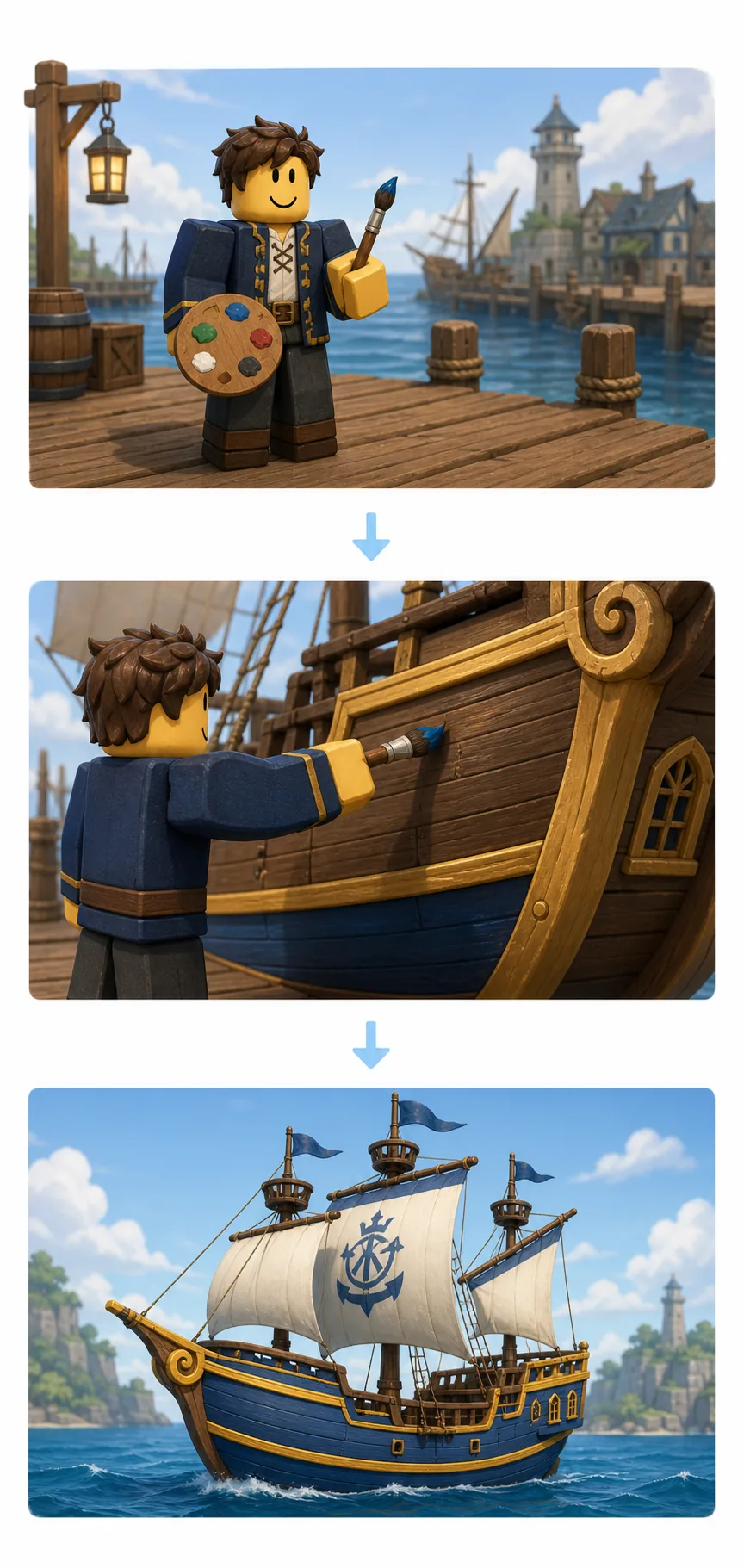
| Symptom | Likely cause | What to try |
|---|---|---|
| No color change | You are too far away or aiming at a non-paintable detail. | Move closer, target the broad hull, then retest. |
| Hull changes but trim does not | The part uses a separate detail/secondary slot. | Switch color treatment and aim at one trim section. |
| Small parts are impossible to select | Camera angle, distance, or moving ropes make the hit area hard to read. | Zoom in, approach from the side, and test a larger surface first. |
| Nothing works anywhere | The brush is not equipped, the client needs a reload, or the item/ship is unsupported. | Re-equip, reload in a safe area, test another ship, and check current first-party/community notes. |
| The ship is stuck | This is a movement/recovery problem, not automatically a paint problem. | Separate the issue from paint troubleshooting and use current community support for the stuck-ship fix. |
Arcane Odyssey Ship Paint FAQ
How do you get the Paint Brush in Arcane Odyssey?
Check the current Shipwright options and chest sources in-game before following an older guide. Item availability and locations can change, so this page intentionally avoids a hard-coded price or a claim that one route is permanent.
Can you paint sails in Arcane Odyssey?
Some ship parts can use their own color treatment, but not every part responds to the same color slot. Try the primary and detail color options while standing close to the target part; if there is no feedback, treat that part as unsupported in the current version.
Does ship paint change ship stats?
No. Ship paint should be treated as cosmetic customization. It does not replace gear planning, combat stats, or the Armor Build Calculator, which is the correct tool for evaluating armor combinations.
Why is my Arcane Odyssey ship not painting?
Move closer, aim at a broad hull or trim section, switch between the primary and detail color slots, re-equip the Paint Brush, and test another part. If the part still gives no feedback, it may not be paintable or the current client may need a reload.
Can you paint skyships in Arcane Odyssey?
The current community-wiki reference says skyships are not paintable. Treat that as a version-sensitive mechanic: check the current in-game interaction after major updates instead of assuming a future ship type follows the same rules.
The Short Version
Treat Arcane Odyssey ship paint as a cosmetic interaction: find the current Paint Brush source, equip it near a safe dock, test the broad hull first, then switch between primary and detail colors for smaller parts. If a part does not respond, change one variable at a time and verify whether that part is supported in the current version. For combat or equipment stats, use the Armor Build Calculator instead.
Sources and Media Note
This page was checked against first-party Arcane Odyssey destinations and community references on August 2, 2026. Exact item availability and paintable-part behavior can change; the article avoids hard-coded prices and labels generated visuals as illustrations.
- Official Arcane Odyssey Roblox page — first-party game destination checked for current context.
- Official Arcane Odyssey forum and official Trello board — first-party update references.
- Arcane Odyssey Community Wiki: Paint Brush and Ship Parts — community mechanics references, not official documentation.
- All three local images are Arcane Tools editorial illustrations generated for explanation; none is presented as real gameplay, an official UI, or a developer screenshot.